Gps follow

Hi all,
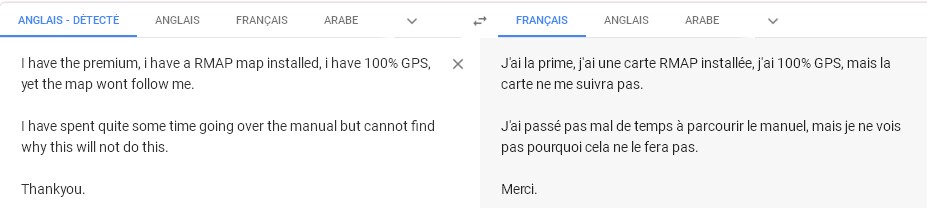
I have the premium, i have a RMAP map installed, i have 100% GPS, yet the map wont follow me.
I have spent quite some time going over the manual but cannot find why this will not do this.
Thankyou.
PS - i need a response in English. Thankyou.
-

Hello,
LAND features is available via this link: https://www.twonav.com/en/software/land#features
To create a Rmap, with LAND, first you have to calibrate the initial map (provided in a picture format ex: myownmap.jpg), and after you have to make a rmap from the calibrated picture (myownmap.imp). This feature is provided by the version LAND PREMIUM.
An other way : Use the MOBAC (Free) software to make an rmap from OpenSteetMap it is good way (See my french tutorial, you can use google tranlate to have it in your langage) . This MOBAC free software can be use to make tiles rmap format for LAND and your GPS.
Have good Hikes
-
The trouble is OpenStreetMap lacks detail for the area i require it.
Sorry, but it all sounds quite complicated for those not savvy with this type of thing. I cant believe that there isnt a more simple solution. How is it that a map i can use in a different application needs complicated working on to be used in another app?
I read that it needs to be “calibrated “ to work. How then does it work in another program? You read about support files. Is this the same thing? So i convert the map to RMAP but thats not enough. What is .map used for?
Thankyou.
-
Hello,
What card that works elsewhere are you talking about?
https://wiki.openstreetmap.org/wiki/Converting_map_data_between_formats
https://www.coreldraw.com/en/pages/raster-to-vector/
cordially
-

Hi,
I am sorry I am not sure to understand correctly.
In Land, Online Files, Online Maps, World, OpenStreetMap_Topo.cosm.
Then you use the Select tool of Land, you select an aera, about 10x10 km (may be more but you have to make tests) and Create a new map (RMAP).
It is rather easy but you must do this for the whole aera you need. Land can "stick" RMAPs. Or create a file .IMP to load all RMAPs you want
You can build your grid (to select your future RMAP) by using the mesurate tool of Land and you create Waypoints of the corners of your future RMAPs.
When you have your RMAP, you put them in a directory (must be the same in Land and GPS), you open them in Land, Maps, clic right, Create a new Hypermap, you drag and drop each RMAP in this new hypermap. You save it with a name. This IMP must be in the Maps directory.
By clic on "NEW.IMP", all RMAP you put inside will be openned.
an user
Best regards
Laurent
Iniciar sesión para dejar un comentario.
Comentarios
5 comentarios