Creating a Route with embedded waypoints in Land 8.9.5

I can create a track in Land, but it only recognizes the first and last points as proper waypoints. What I would like to do is to convert important Track points into Waypoints. My Aventura GPS will recognize a waypoint and I can set an alarm to notify me when I reach that waypoint. However, the GPS will not recognize track points.
Having created a number of tracks, I see that I can add Waypoints to the track, but when I transfer the track to my GPS it doesn't bring the waypoints with the track, only track points.
I do have another piece of software (Memory Map) that creates waypoints automatically with the route, but it then has too many waypoints on the GPS meaning that I receive an too many alarms. I've tried the OS Mapping App but it has the same problem as Land.
-

Hello
It's quite simple to do, here are two different ways.
- Make a trak (Gpx or Trk format) with points only on your Wpts.
- List the track points to have the number (menu list of track points)
- tool menu convert track into route (Trk or Gpx to Rte), giving the number of points plus one ..
You have a route file in rte format which will be understood by your GPS (Then dress the Wpts ..)
Second method draw / import a track
- Create an empty Wpt list
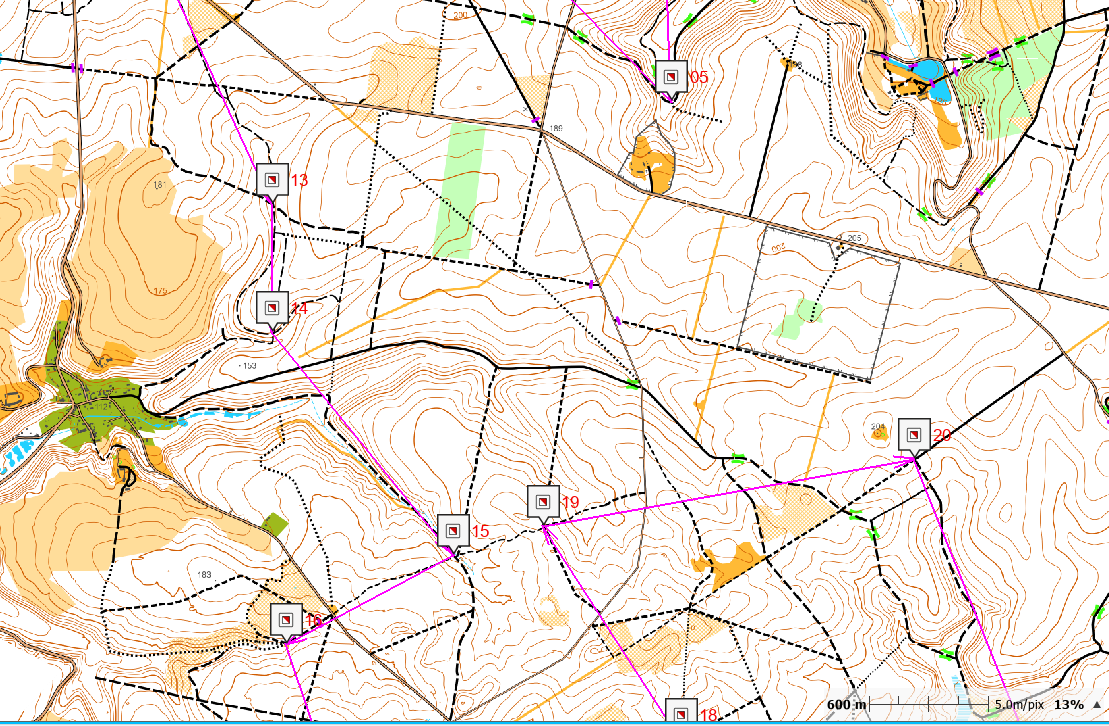
- Add and place the Wpts where you want, overlaying your track
- Create a second trace unrelated to what you just did, just a beginning and an end
- Tool convert this track into a route; number of point = 2
- This new RTE file, open the list of points (right click on it)
- Add WPT (top right)
- open the list of WPTs you just created and add all your WPTs.
- It only remains to remove the two superfluous points key delete.
Send your route in rte format to the GPS via the CLOUD (It is invisible in the Cloud) but it will be in the GPS.
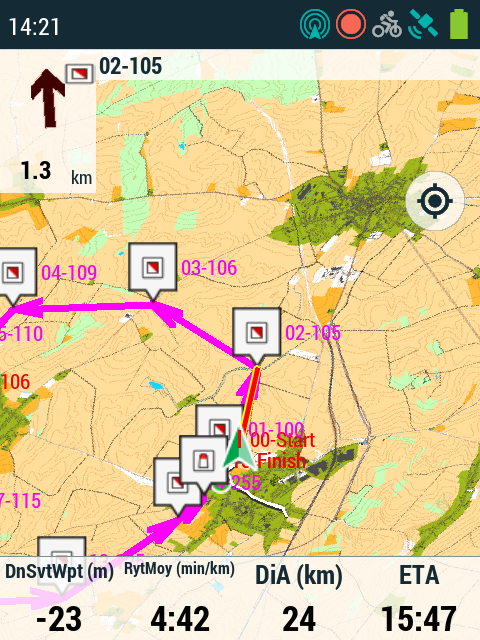
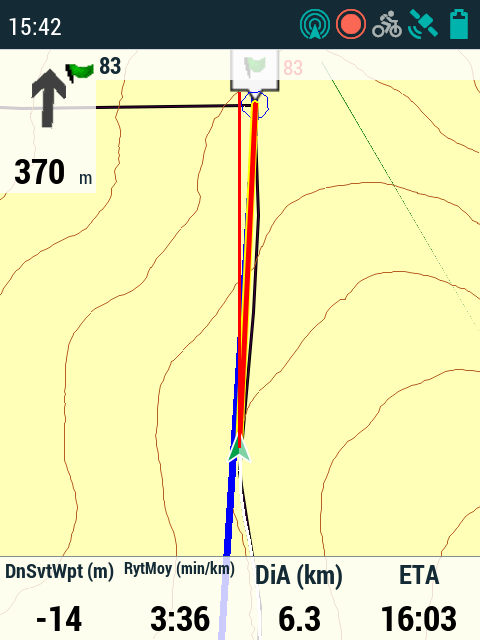
-
With software versions 4.9.X, guidance to the next waypoint is finicky.
- If it is a file in * .trk or * .gpx (RaodBook) format, the alarm distance is the same for all points, it can be adjusted in the GPS configuration menu, alarms page. Arrow guidance is difficult to interpret.
- If it is a file in * rte format, the alarm distance is defined for each Wpt (Item position / radius). The guide arrow always gives the right direction.
Unlike TwoNav 3.x the communication to the new Wpt cannot be adjusted when crossing through, the guidance will bring you back to the WPT as long as your position is included in the alarm distance, moving away this can be disruptive. The remedy is to set lower alarm distances (<20 m) which works very well because of the better precision of this new generation of GPS (5, 10 or 15m)
-
Hello,
Check Google help to translate this tutorial into your language.
Best regards

Iniciar sesión para dejar un comentario.
Comentarios
8 comentarios