Android 12 One Ui 4 can't access data folder

I recently updated my galaxy phone to One Ui 4. Now I can't transfer maps and files into twonav data. Do somebody know how to solve it?
-

Hello,
Try this:
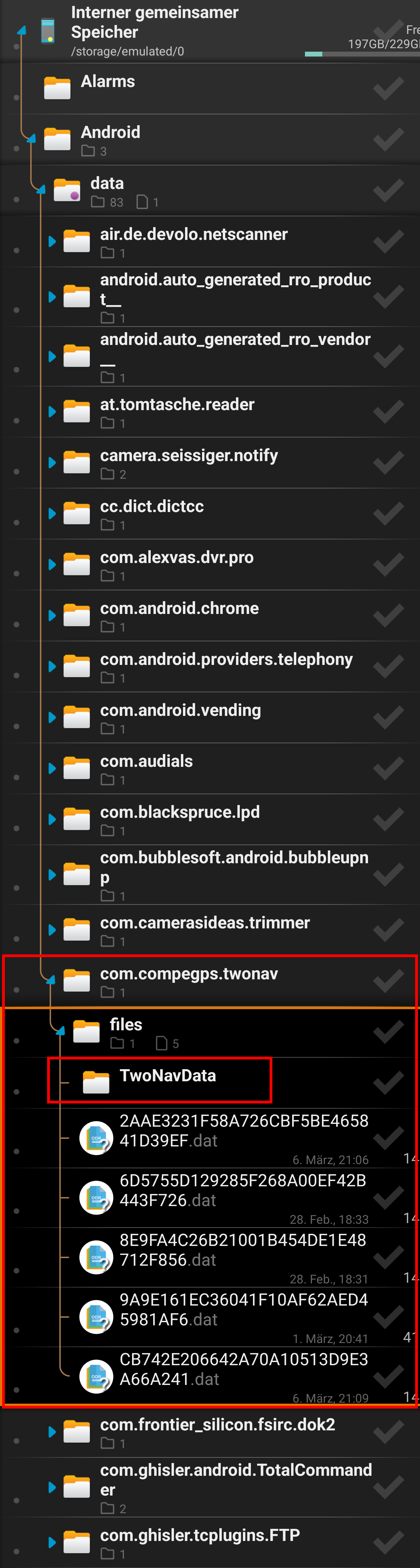
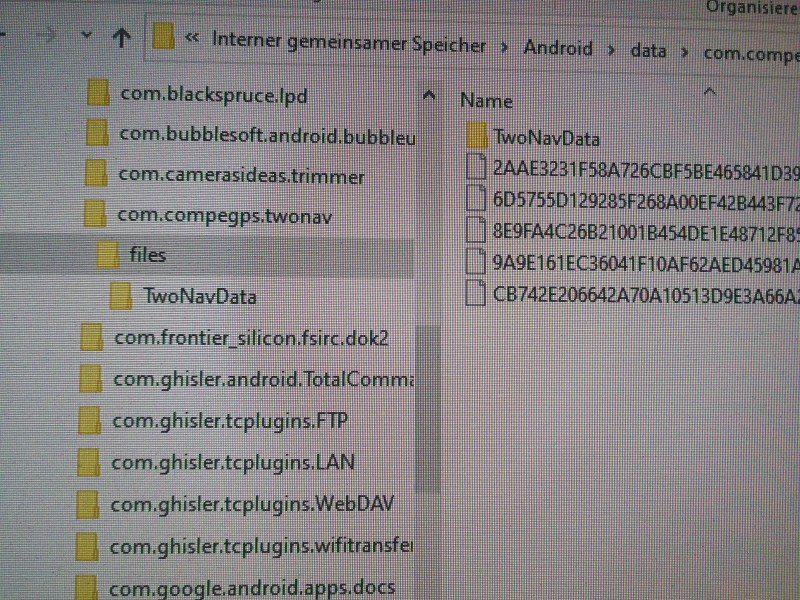
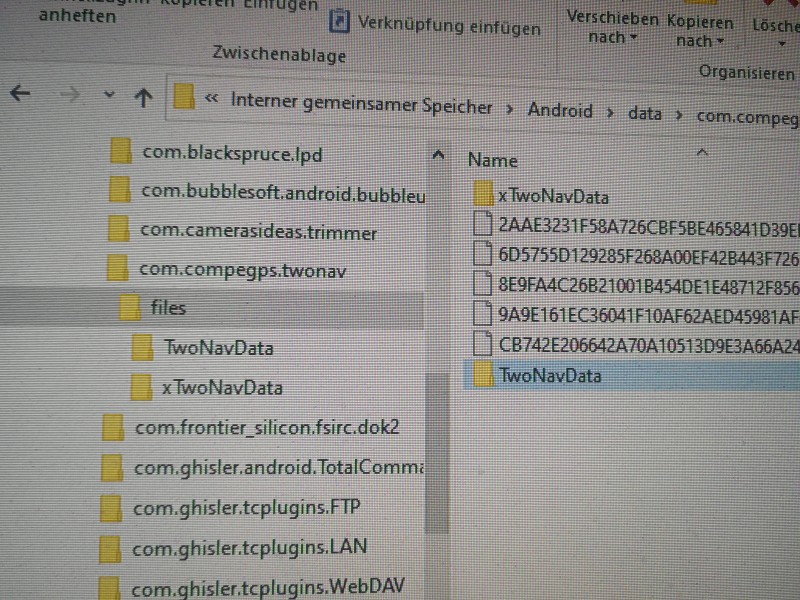
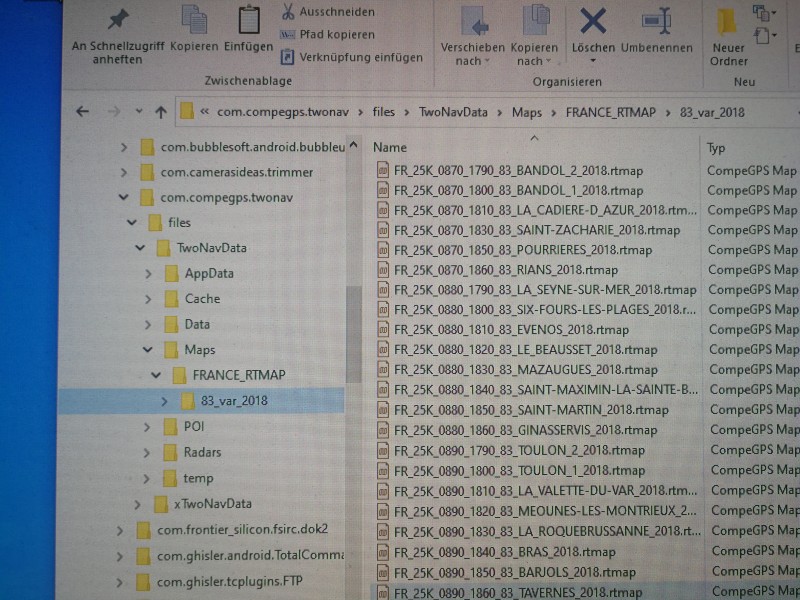
- Rename the existing TwoNavData directory, for example TwoNavDatx
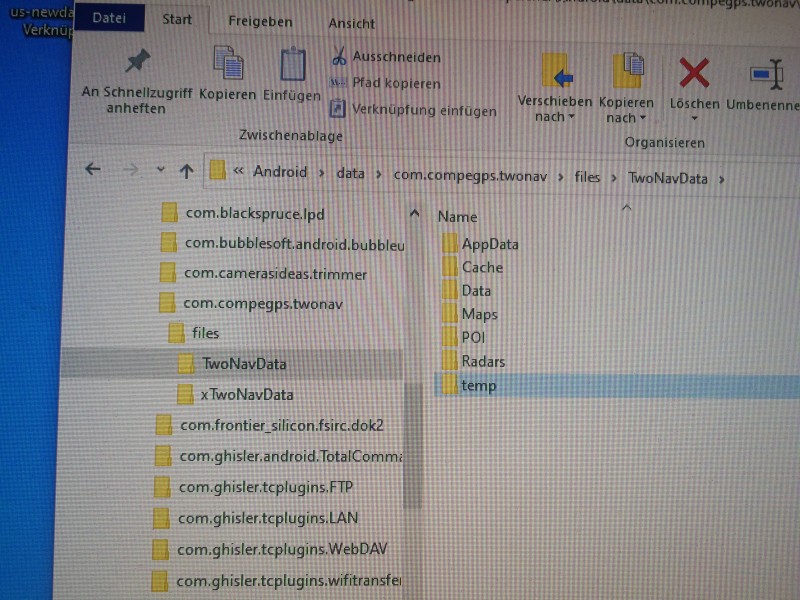
- Create a new TwoNavData directory with the same folder
Or Create a new TwoNav Data under the root, with the same tree structure
See these two solutions, this normally makes your directory visible
Regards (Another user)

-

I have the same problem. The folder is protected by Google and I don't want to ROOT .
I can buy new maps via the smartphone and they are also displayed. I don't want to buy maps for 300 euros again. Do you offer a solution so that maps that have already been purchased can be reloaded onto the smartphone (without paying), as is already possible on a PC.
Kinds
Joachim
-
Hello
This is the forum space, so you are addressing other users, not TwoNav. To contact TwoNav use the send a request link at the top of this page.
"I have the same problem. The folder is protected by Google and I don't want to ROOT ."
Close the app before starting
For access to ROOT, connect your smart phone to a PC via the USB cable, validate in the notification who has to go up, access to files. Go to the root TwoNav of android and you create next to the existing TwoNav the same tree structure with the same names (put an x in front of the name of the old one).
And it will work.
"I can buy new cards via the smartphone and they are also displayed. I don't want to buy 300 euro cards anymore. Do you offer a solution so that the cards already purchased can be reloaded on the smartphone (without paying), like it's already possible on a PC."
For your old cards go to the store and buy them. You will see that it will not be charged (like on the PC) but you have to go through the same process as buying a new card.
Cordially
another user
Iniciar sesión para dejar un comentario.
Comentarios
9 comentarios