DID DISTANCIA A DESTINO

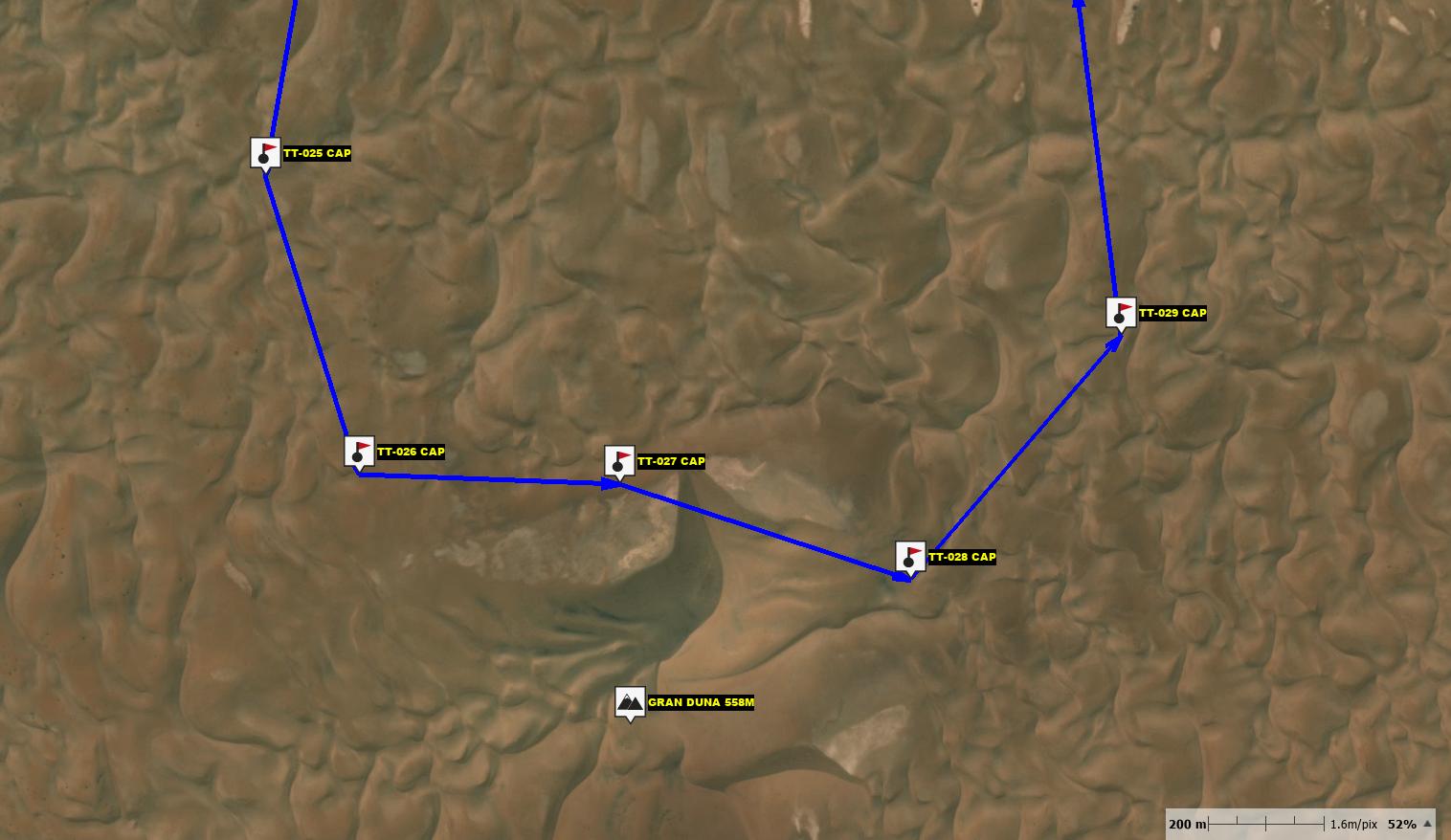
Hola, cuando sigues una ruta RTE, no con track, en las versiones anteriores la distancia a destino era al último waypoint, lo calculaba en líneas rectas enlazando los WP, no era lo real pero te hacías una idea de lo que te quedaba, ahora lo que te pone es la distancia al siguiente WP, de hecho llevo también la distancia al siguiente WP y es la misma, y no al último como antes y no tienes ninguna referencia de lo que te queda.
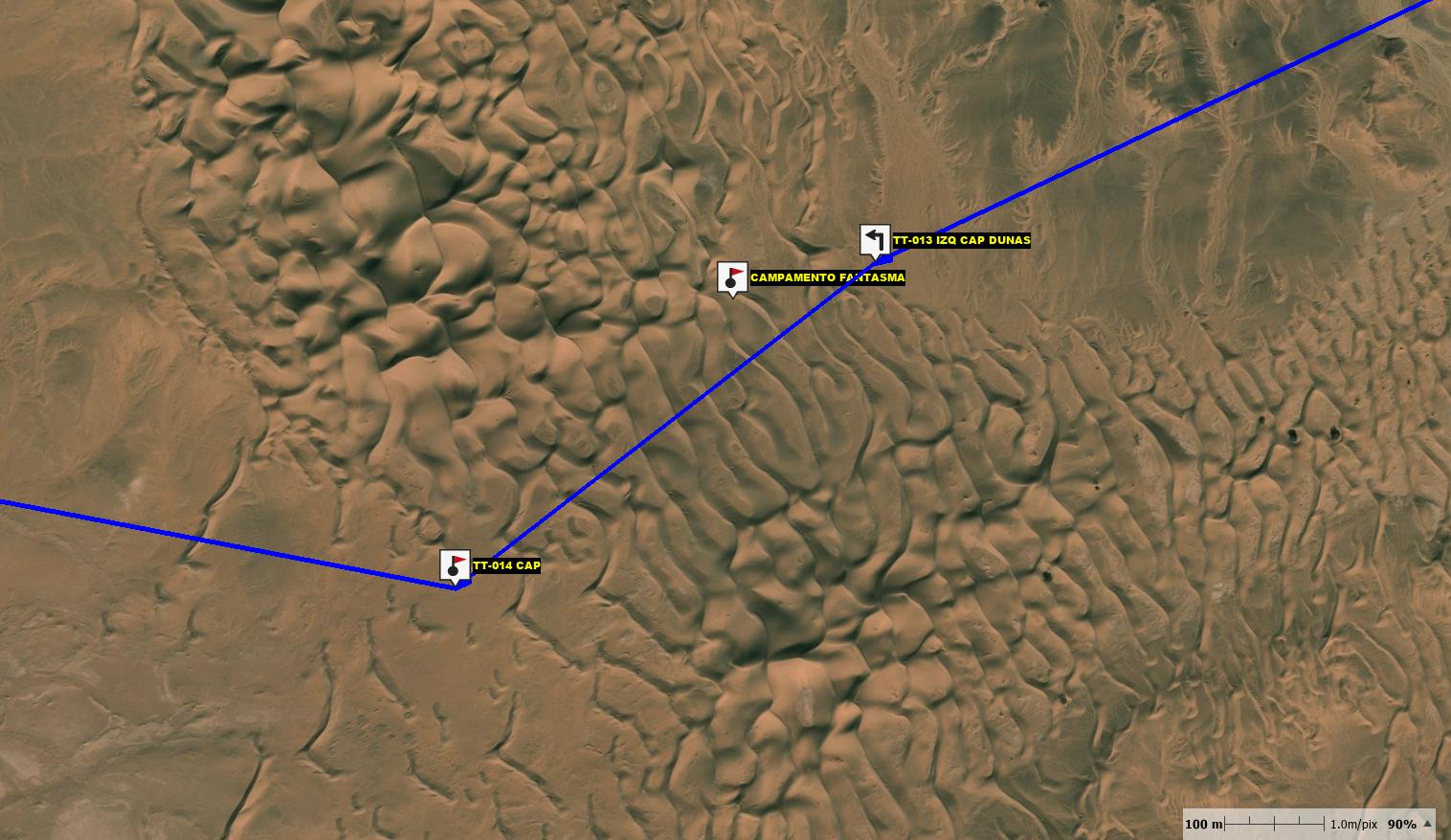
Seguir una ruta RTE es útil cuando haces offroad en el desierto y no tienes un track solo los WP de paso
-

Hello,
When following an "RTE" type route (as opposed to a "track")—in previous versions (which version, exactly?)—
The "RTE" route concept was removed and then subsequently reintroduced!
The device now displays the distance to the next waypoint.
- Convert your RTE route into a "RoadBook," and you will get what you are looking for.
- You can either create an RTE route and then convert it into a RoadBook, or you can create a RoadBook directly by manually adding individual segments (straight lines).
- Alternatively, you can place your waypoints and incorporate them into a RoadBook, which will function much like an RTE route.
Advice from another user.
-
Hola Thierry,
tengo instaladas las dos versiones en las tablet con Android, la última versión 6 y esta antigua, puedo usar cualquiera de las dos, pero la que hace lo que te comento es la antigua que nunca he quitado porque ha sido la que me ha funcionado siempre segura y que nunca hemos tenido problemas.
No te se decir en que versiones anteriores a la que uso ahora versión 6.3.2 hacía lo que necesito, seguramente sería una versión 5
lo que me recomiendas de Roadbook, lo probaré pero para nosotros es imprescindible navegar a WP por si alguien se pierde poder reagruparnos en WP
-
Create & put your WPT on the map,
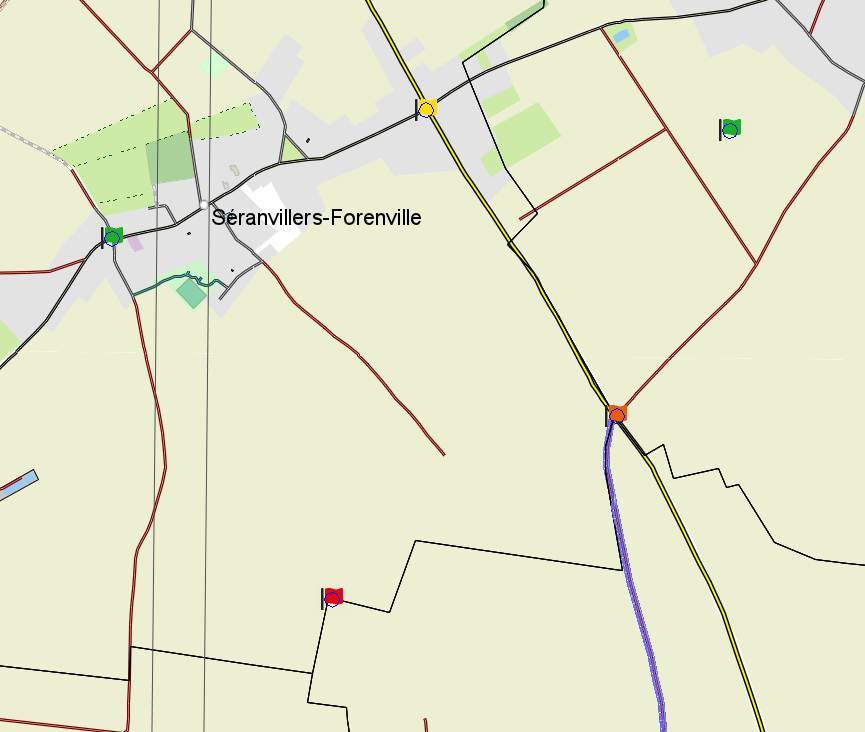
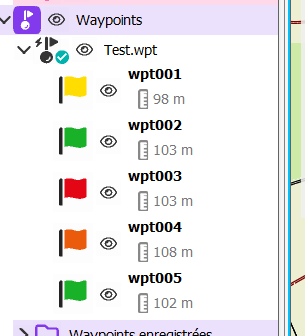
Save the WPT in a WPT file
Create à new ROUTE
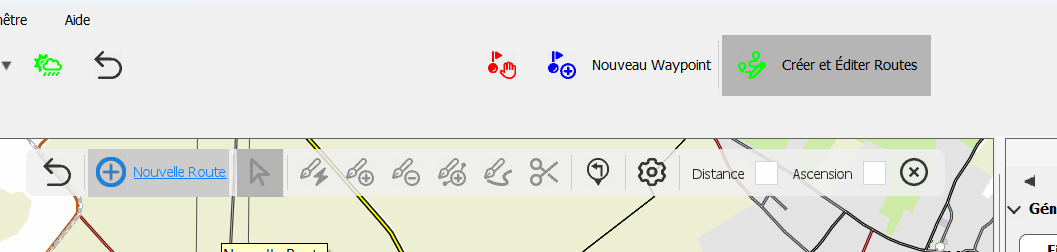
To create your RTE clic on the WPT, or nearbe the WPT under assotiated distance set in preference
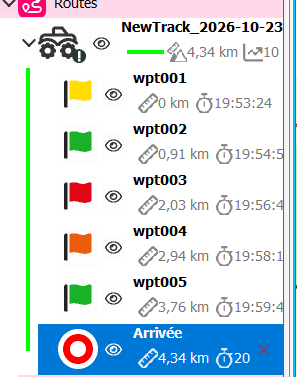
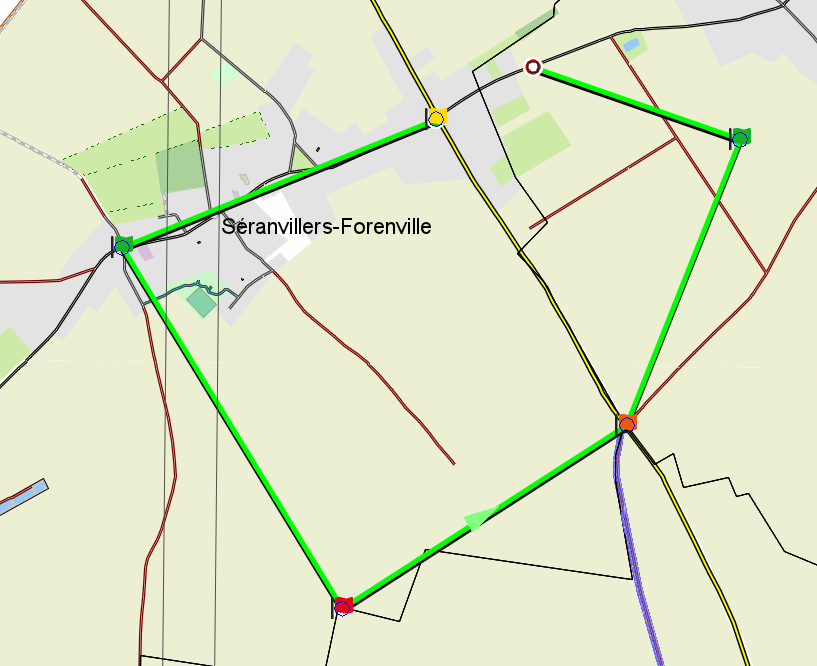
Then merge the WPT in a "RTE" road book
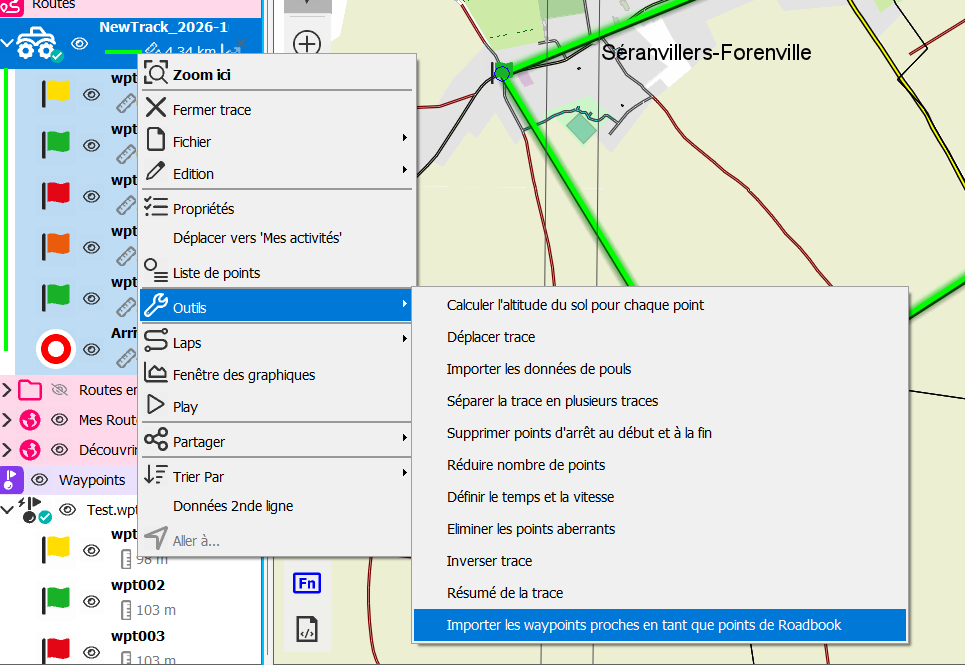
Its Ok !
Saved as
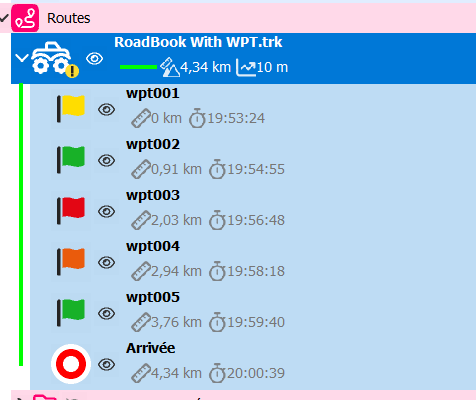
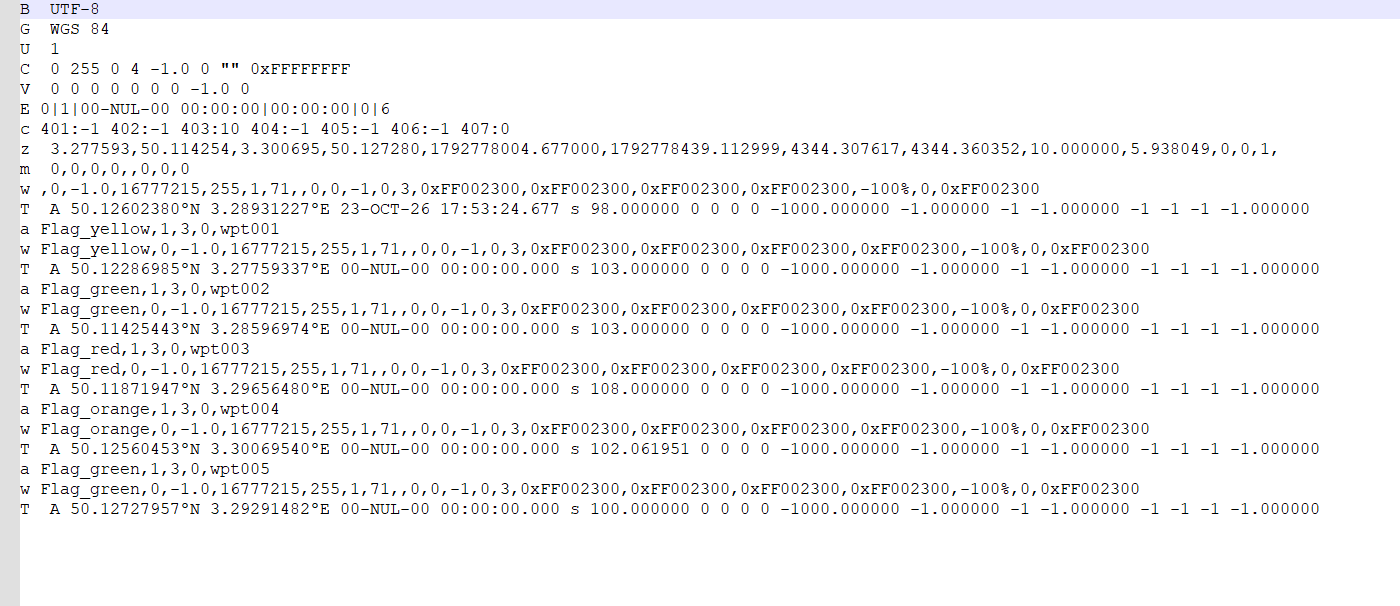
Your WPT are in the file
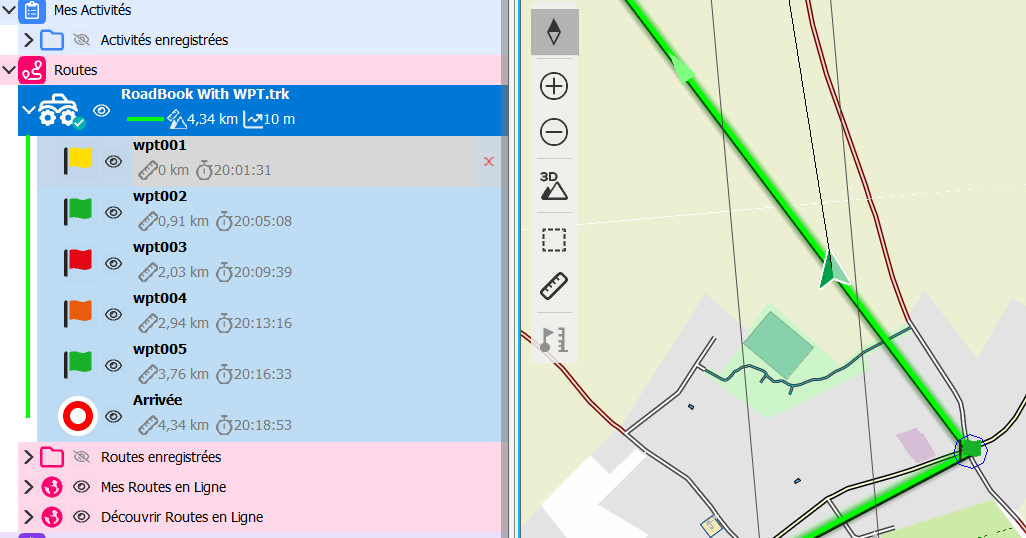
Distance, time is computed in strait line (Navigation simulation with Land)
Accedi per aggiungere un commento.
Commenti
5 commenti