Track startpoints in Land

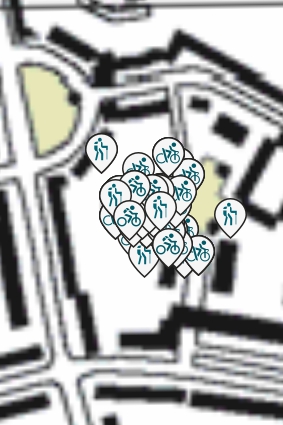
Land by standard shows an icon for all tracks in my track list. Since many of them
start at the same location that region is clogged with icons which makes any action impossible. How can I turn of the display?
-

Hello,
Here are only Users, not TwoNav Team. For them you must "send a request".
I am using a subterfuge:
By default the directory for the tracks is Data.
Before launching LAND, I use my computer's file manager and rename Data to Data01 and create an empty Data directory.
When Land is launched, it displays the Tracks that are in Data.
Once Land is closed, I can put the directories back.Or
Before launching land, you move the Tracks from Data to another directory and put them back in when you have finished editing your new Tracks.
It seems to me that you can modify an .INI file to do what you ask, but I can't remember.
An User
Best regards
-
Oh! I remenber
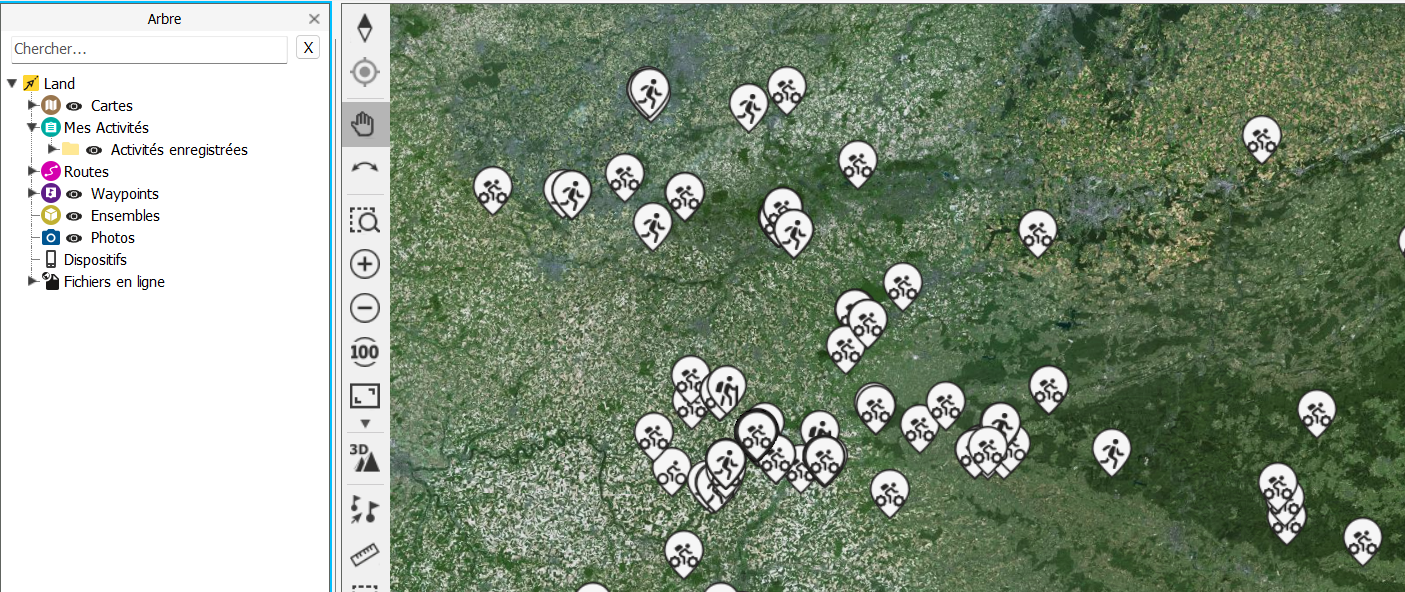
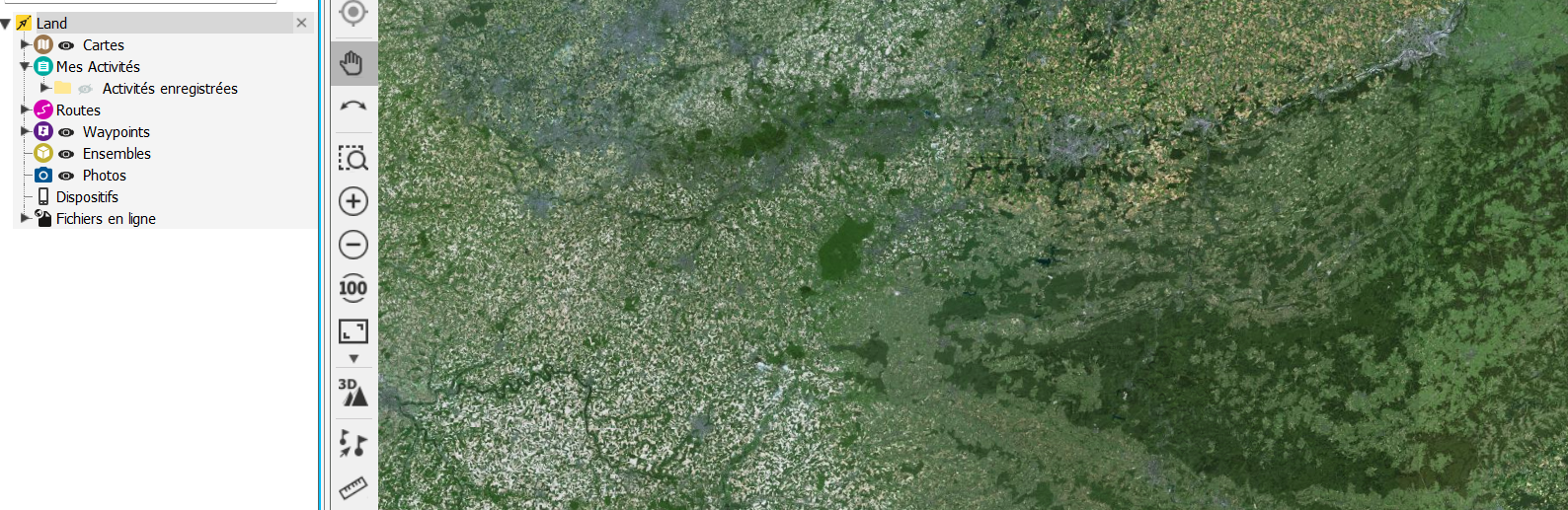
In the Tree, Storage Files, close the eye of Routes/My Activities
https://support.twonav.com/hc/en-us/articles/360010639980-Land-8-8

Bitte melden Sie sich an, um einen Kommentar zu hinterlassen.
Kommentare
5 Kommentare