Information about the Terra device

Hi, I’ve been using the TwoNav app on my phone for a long time and have been very happy with it. As for a dedicated GPS device, I’ve always used Garmin, but lately, I haven't been satisfied with their products (lots of bugs). I’m interested in the TwoNav Terra, but I have a couple of questions:
1) The latest Garmin GPS units feature dual-band technology for reception. Am I right in thinking the Terra doesn't use this technology? Does it still provide an accurate signal, even in dense vegetation?
2) On my Garmin, I used a lot of national maps—converted to JNX or RMAP formats (OSM, IGM, regional maps, etc.). Can I add these custom maps I’ve created to the Terra? Is there a maximum file size? Is RMAP the only supported format?
Thanks
-

The discussion contains two links:
- One that leads to the Geofabrik website for importing map data for the Alps,
- and another that leads to your "Karten" site, where the vector map of the Alps can be found.
As for the direct link to Geofabrik, I have documented what can be done with it.
Vmap ALPS
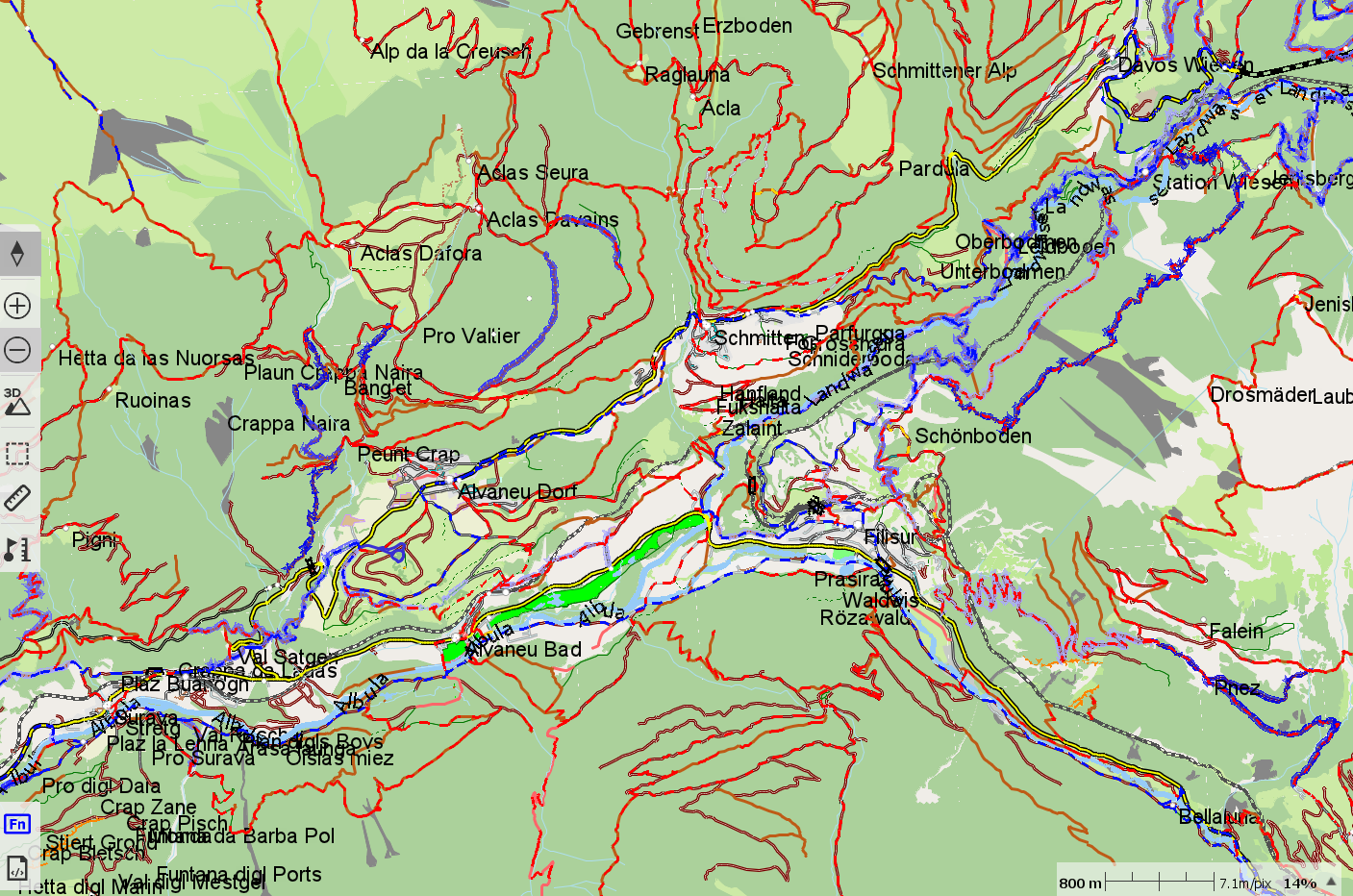
Vmap ALPS France With other clay file
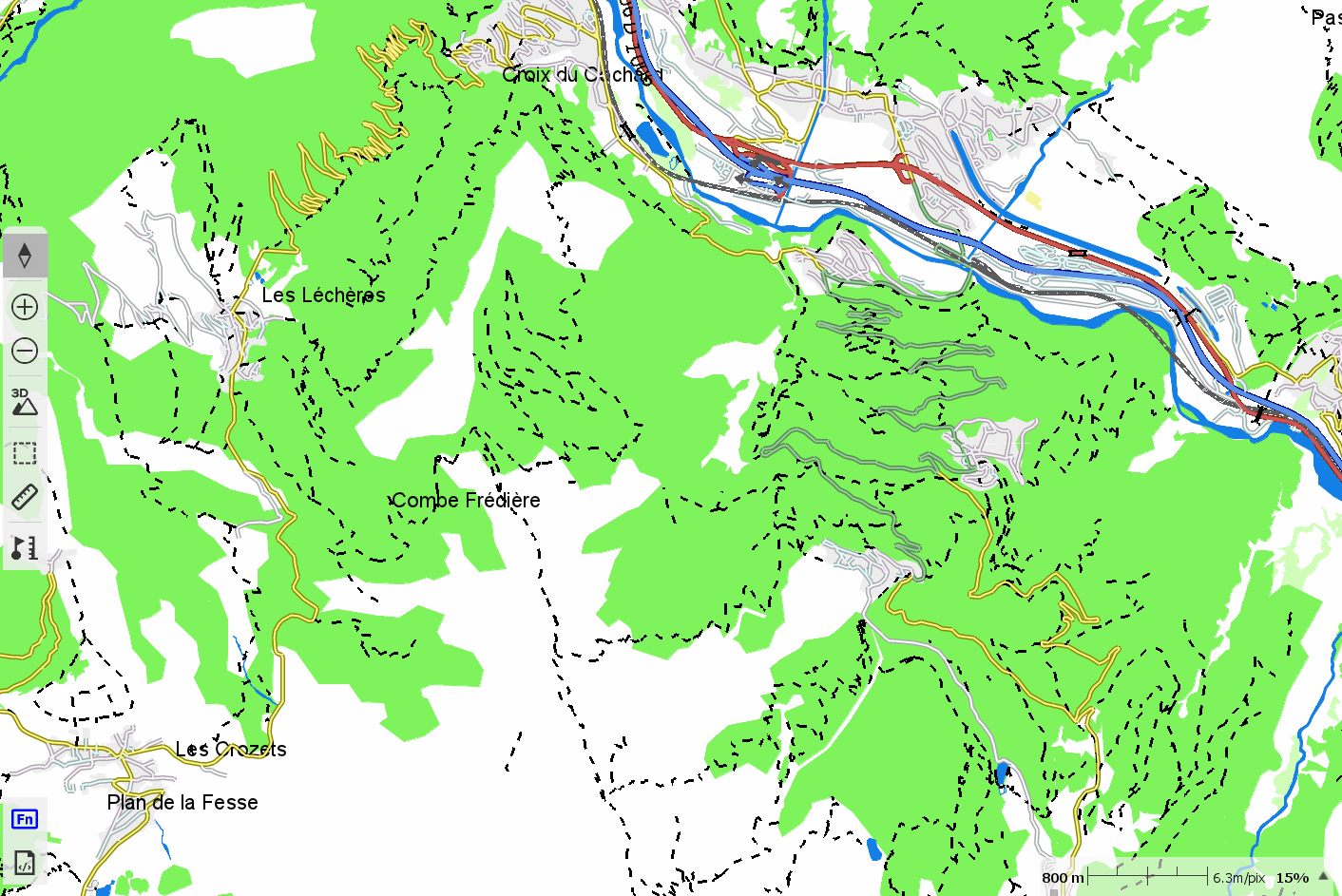
The associated *.clay file determines the visual appearance.
It would be helpful to know how "Karten" converted the Geofabrik file from its original format into the *.vmap format; this would allow our friend to generate their own *.vmap-format map using Geofabrik data.
I know how to do this, but only for smaller files.
With your TERRA device, TwoNav provides an OSM map for your country; maps for other countries are also quite inexpensive to purchase.
Therefore, if you like the visual style of the Alps map, copy the *.clay file included in the "KARTEN" download and paste it into the same folder as your other *.vmap file. Rename the *.clay file so that it matches the name of your *.vmap file, then reopen that map in Land or on your GPS device.
If you are not satisfied with how a particular element is displayed, right-click on the map, select "Properties," adjust the appearance to your preference, and then save the "layer."
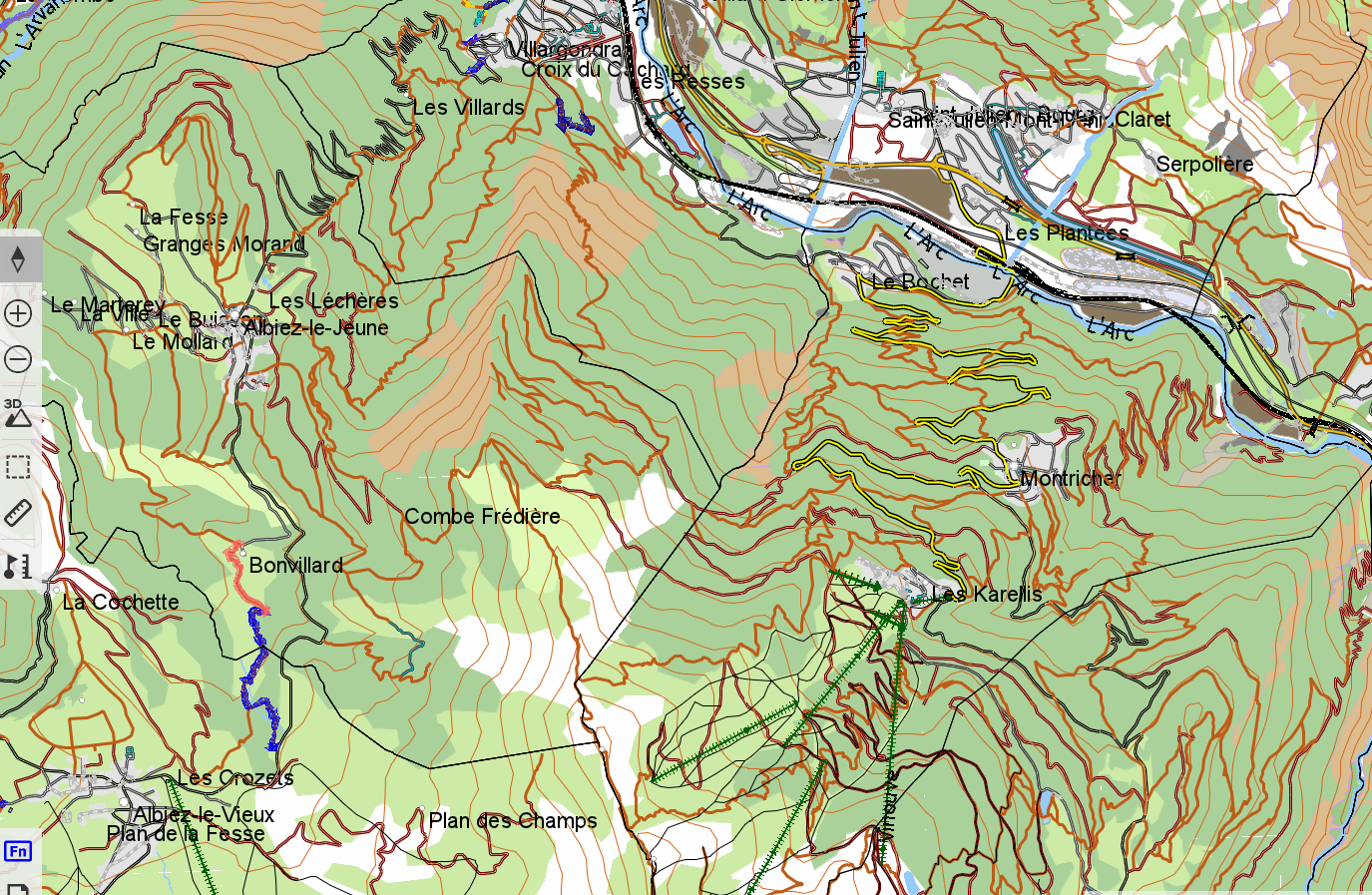
There you go—my OSM map of France now has the same visual appearance as Karten’s map of the Alps.
-
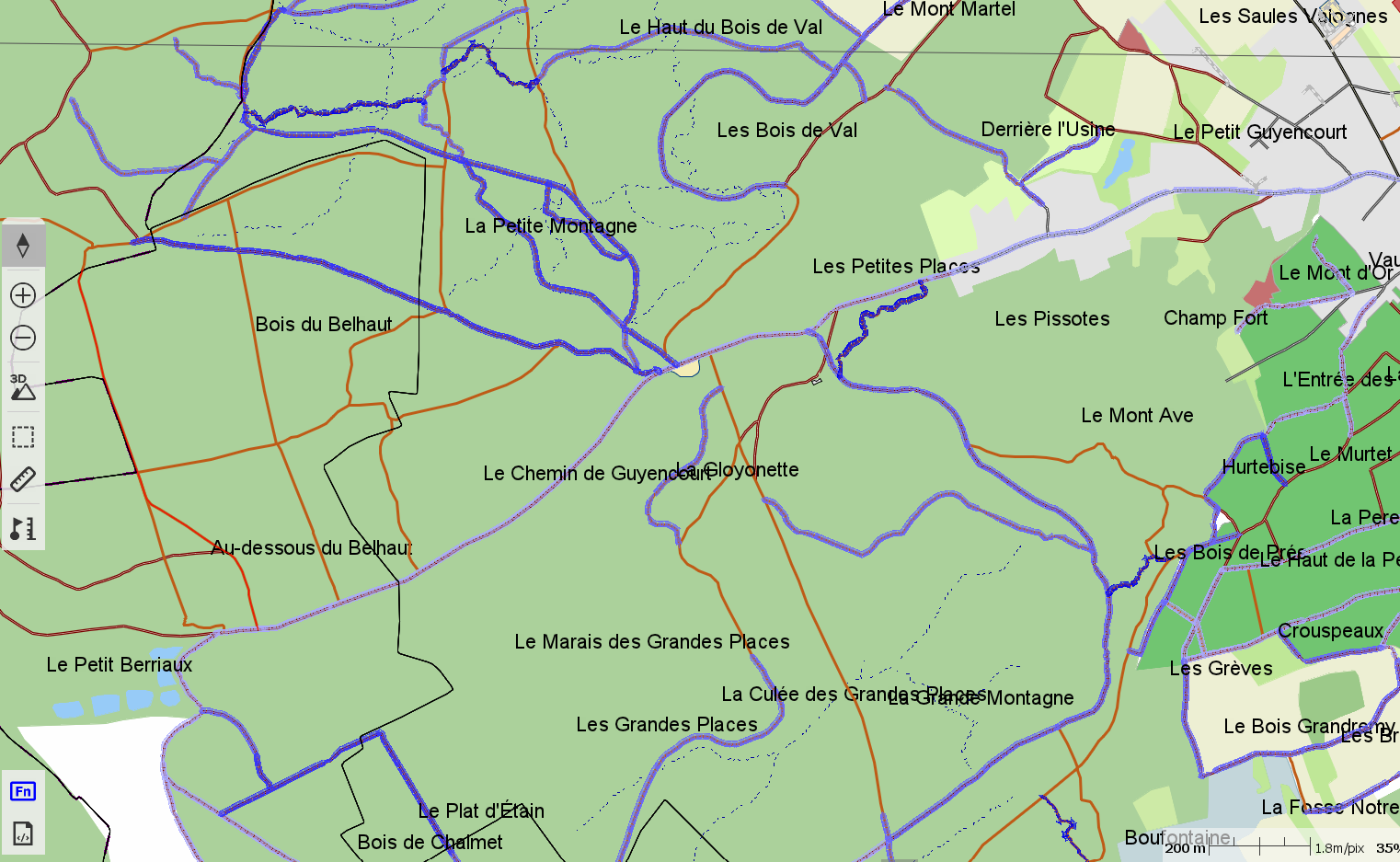
An OSM vector map area of France provided by TwoNav; the visual appearance of the map is imported via "Karten," and the global terrain data is replaced by the country's official terrain data (which is less segmented).
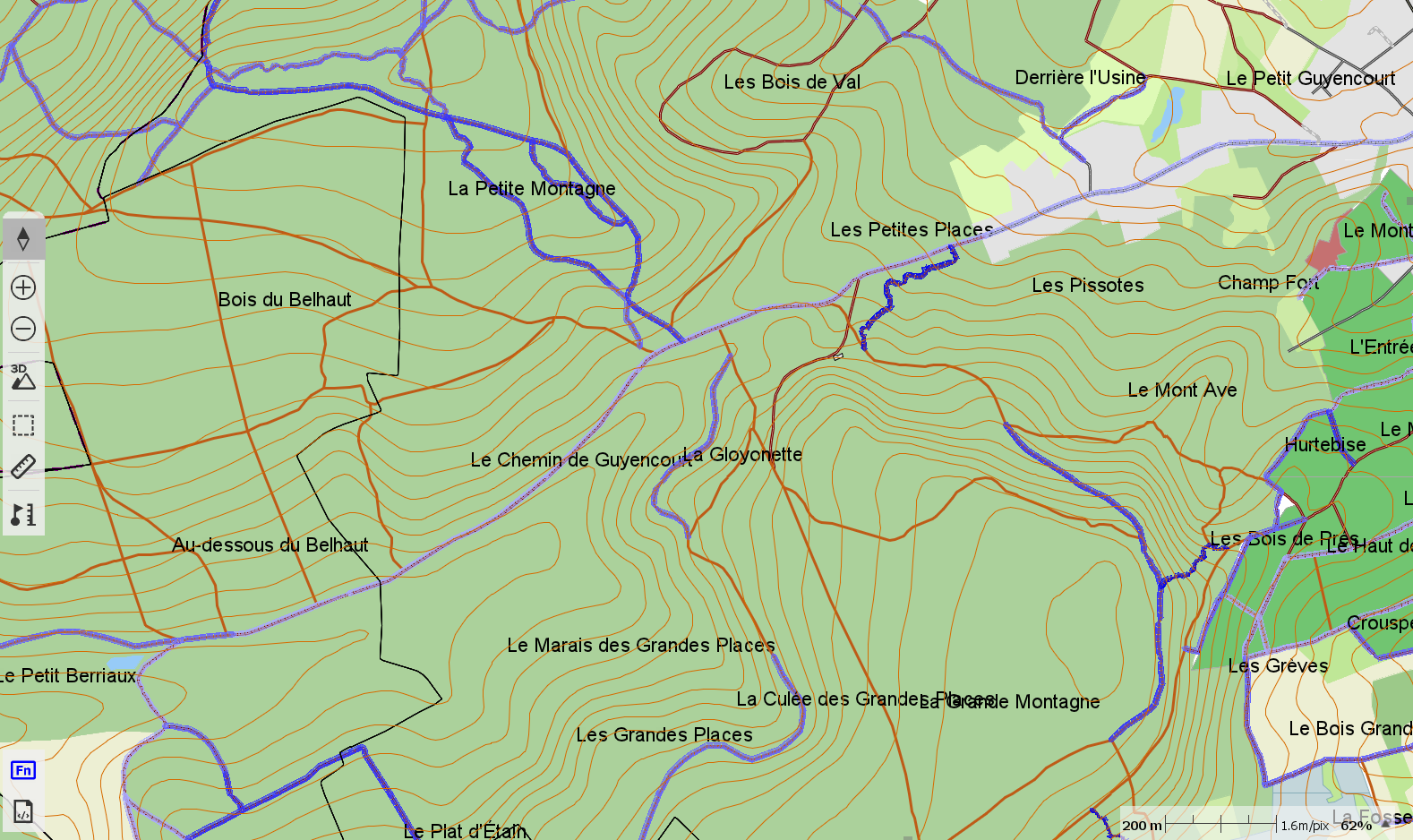
The same area of France as an OSM vector map, created using Land; the visual appearance of the map was imported via Karten, and the OSM data was imported via BBBike—no terrain relief included.
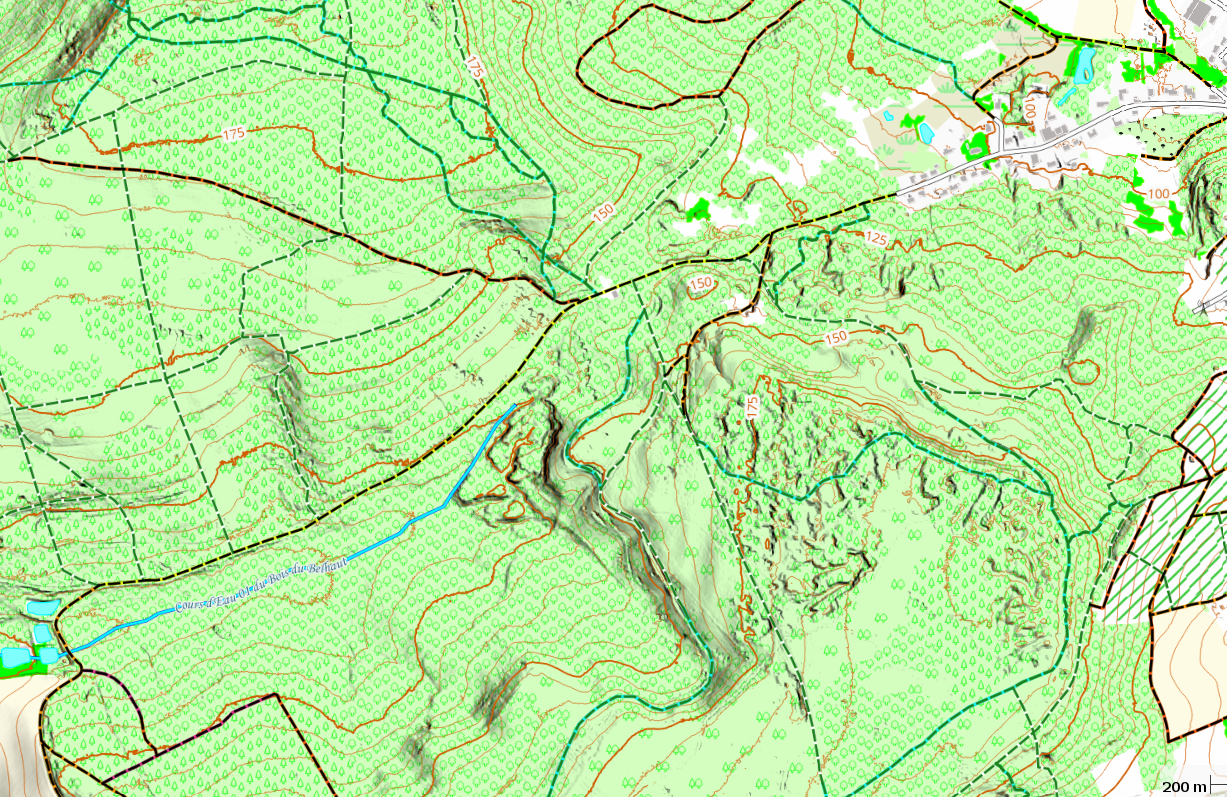
Same data area, same sources: QGIS raster map with hillshade and contour lines
You have all the information you need to determine the best choice for your specific use case.
And some ideas on how to obtain your maps.
-
Thanks for the suggestions. I’ve downloaded the 'Alpen' map—it consists of a .vmap file and a small .clay file. I haven’t been able to open it yet, though, because QMap doesn't display it. I’m also not sure why I would need to convert this map into a raster format; as far as I understand, it could simply be loaded onto the Terra device as-is (along with the .clay file). That way, I’d have a map roughly equivalent to the OpenMTB one. Of course, it would be worth checking how often this map is updated on the site where I downloaded it. Just out of curiosity: when I need to transfer a GPX track file from the device, can I do so via a USB cable without having to use any additional software? Thanks again.
-
Hello,
It could be loaded onto the Terra device as-is (along with the .clay file).
Yes, via a USB cable—much like transferring a file to a USB flash drive.
This would give me a map roughly equivalent to an OpenMTB map.
- Identical in terms of data;
- equivalent in terms of visuals.
The frequency of updates depends on the site from which I downloaded it.
This is a common issue across all such sites.
However, there is a solution:
- whenever I perform an OSM update, I can have an up-to-date map on my GPS—or in the Land software (for route planning)—within an hour, by using a BBBike import.
- That said, it’s not really a major problem;
- in QMapShack, you simply update the BRouter database. When you plot your route, it will align with the latest data—so while the track might appear slightly off the path on your map, the actual route will correctly follow the real-world trail.
- You can install online OSM maps in QMap that are continuously kept up to date.
Transferring a GPX track file to or from the GPS:
- This can be done with or without a cable.
- Your purchase includes:
- A TwoNav account (which you will need to create) and a GoCloud account.
- Access to the free TwoNav LINK application.
The GoCloud account allows your GPS to connect to the internet whenever it is within range of a known Wi-Fi network—anywhere in the world, whether via your home Wi-Fi router or your smartphone acting as a hotspot.
By adding a link to your GoCloud account on your smartphone, you can manage everything over the internet.
The LINK application is used for communication via Bluetooth (BT).
Best Regards
Please sign in to leave a comment.
Comments
65 comments