Twonav 5.0.3 Tracks displayed with "invisible" width

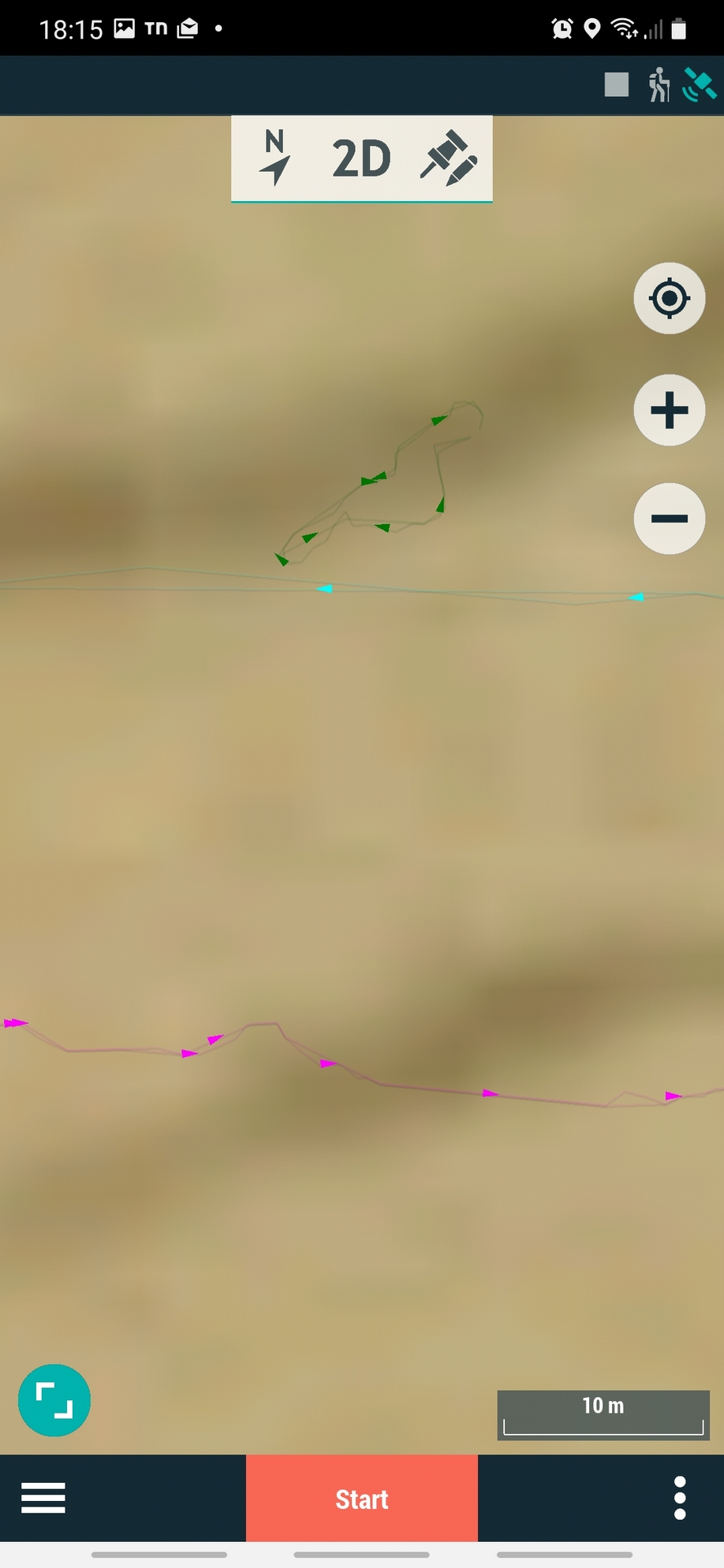
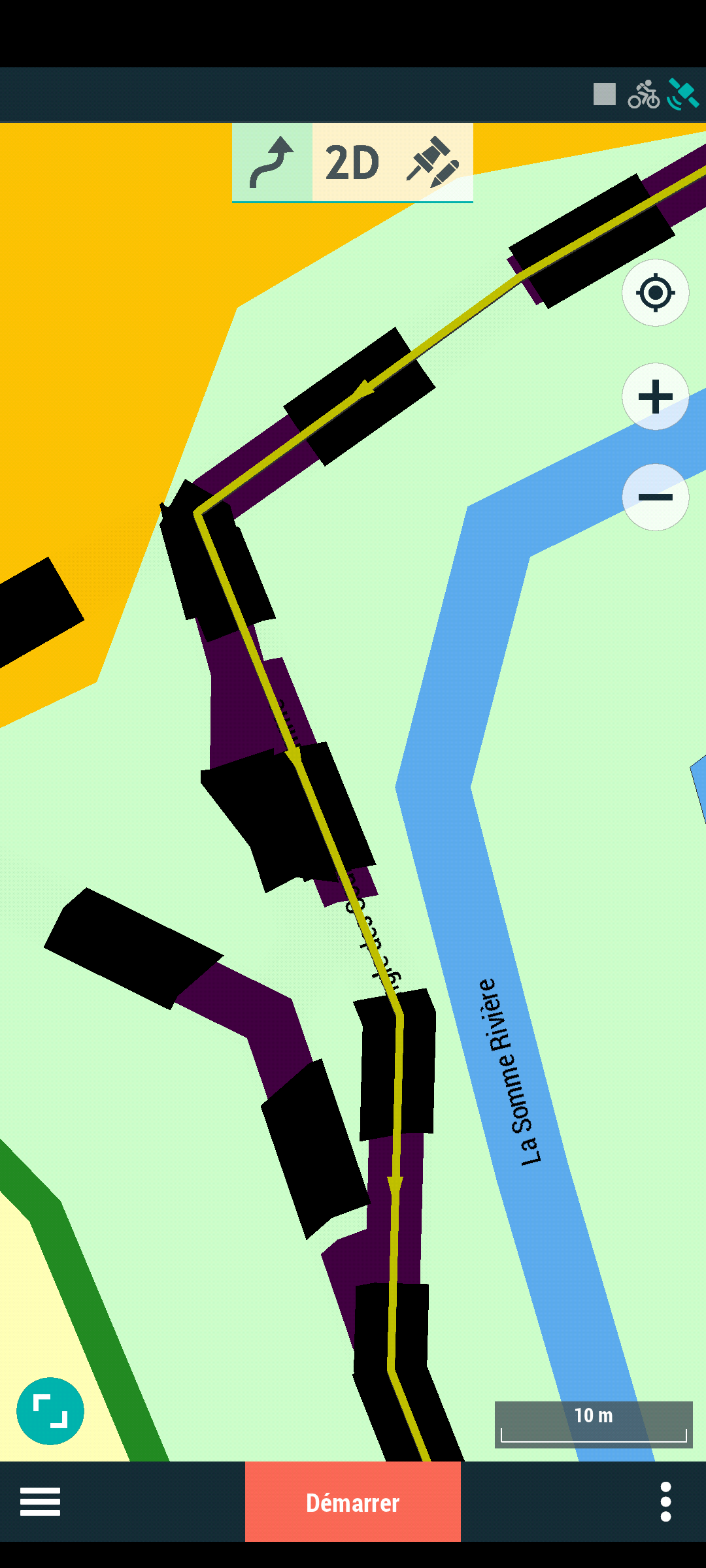
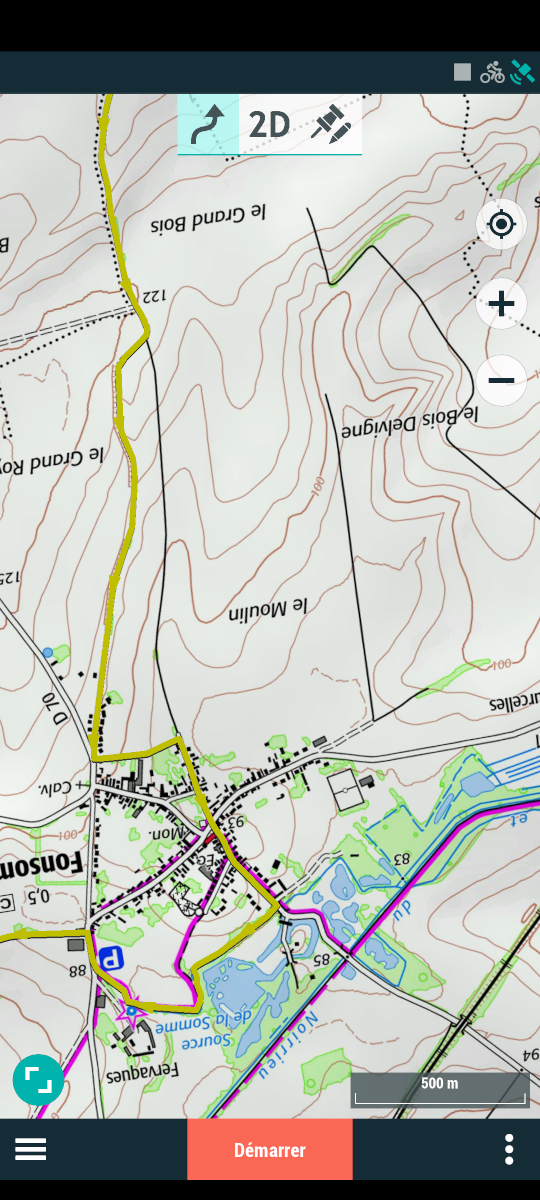
It seems that tracks from .trk files are displayed with the minimum possible width (1pxl?), so that they are effectively invisible and much thinner than any feature on maps. As a result, you cannot even see them on the map, unless zooming at a ridiculous resolution.
I tried to set track properties width, but even setting it to the allowed maximum (15), the track is still "displayed" so thin to be invisible.
Effectively unusable.
Old Twonav version, prior to §%$@#!! upgrade, displayed tracks with a visible default width .
Anybody seen the problem? Any fix?
Thank you
-
I noticed that by setting the track's "Real width" to higher levels, the situation changes (but doesn't improve): track is displayed thicker BUT totally smeared/defocused (see screenshot).
Guess I'll revert to Twonav 3 or something until a workable version is issued...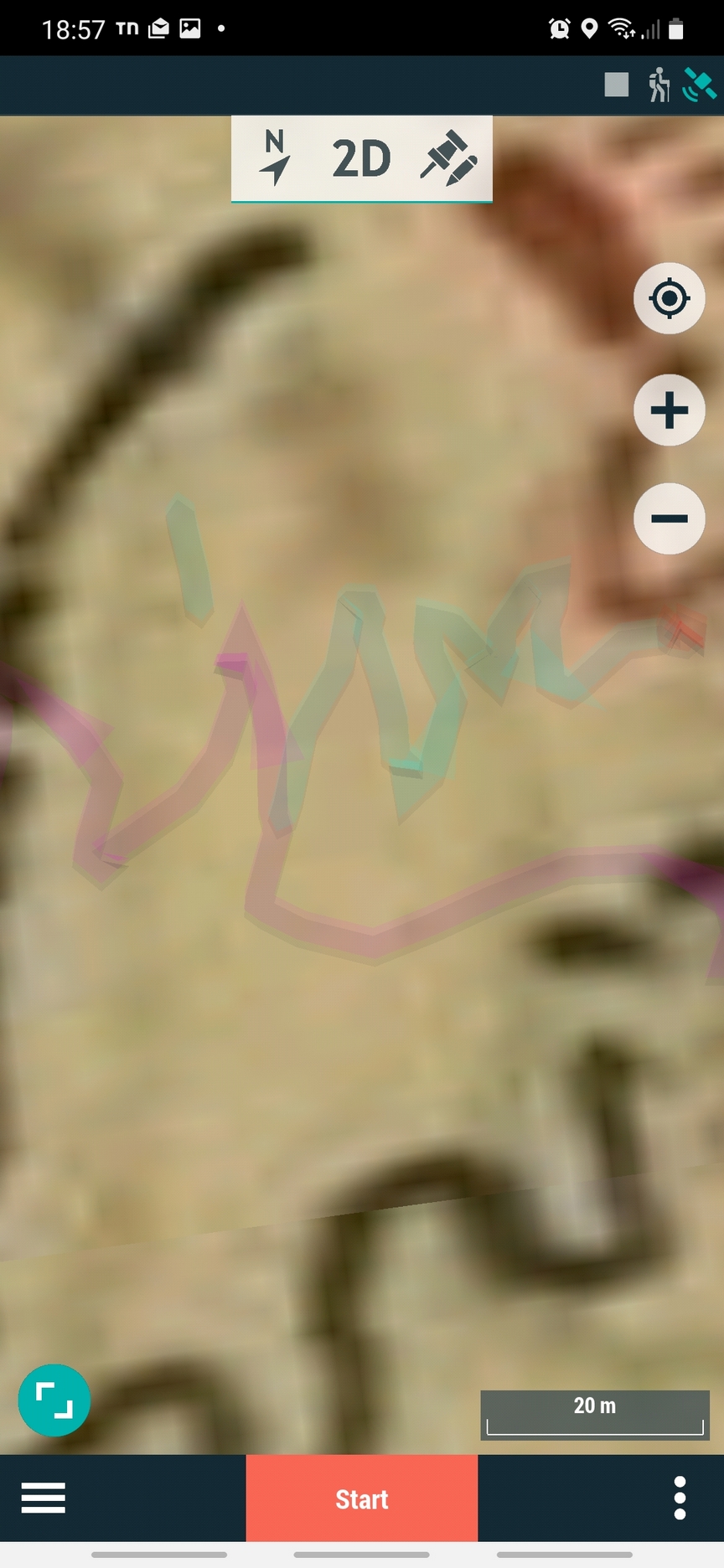
-
Done some more testing...
in Land (PC) I produced and loaded a few simple tracks (both without and with laps) and they are displayed OK.Also made a multilap trk in Land by "unifying a few tracks and this is also displayed correctly.
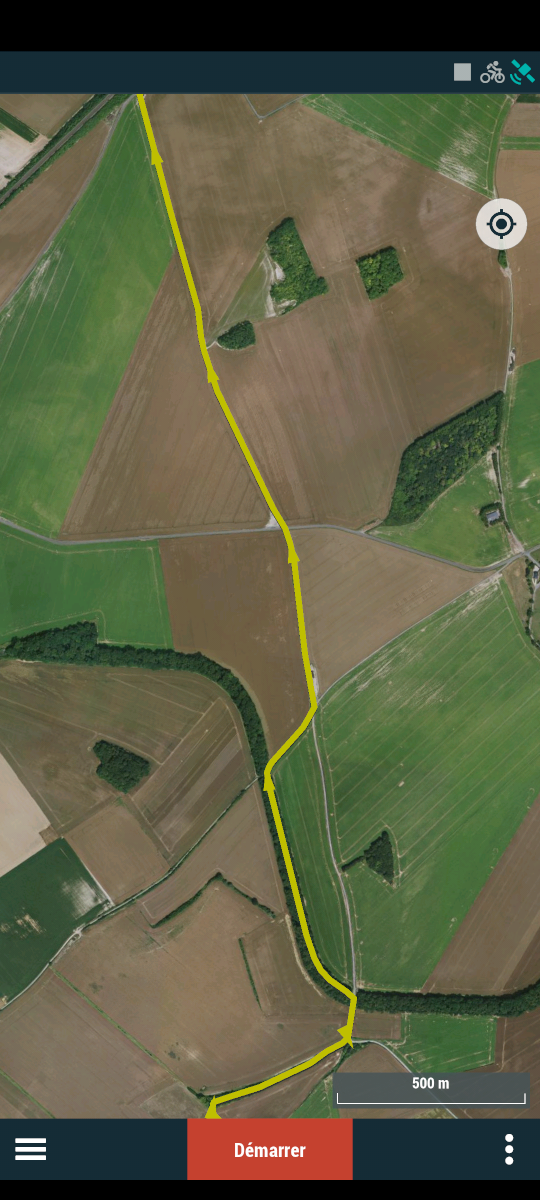
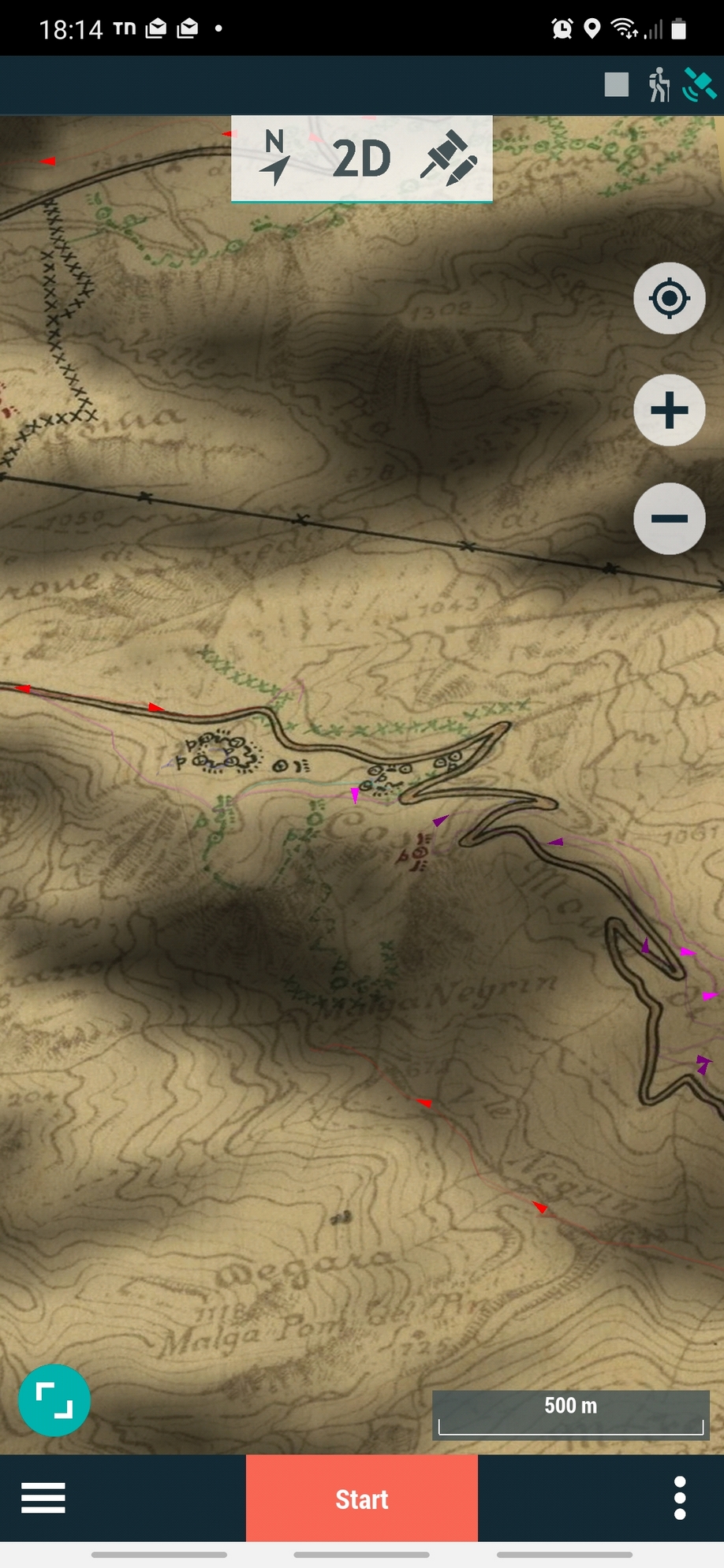
It appears that "large" trks produced via "unify tracks" in Land have the problem: some or all the tracks are displayed with invisible width, regardless off the original trk qidth or of the width set in Twonav.
It is not clear when/why the problem appears, but it seems connected with uinified trks of significant size.
Inspection of the trk files doesn't seem to show any evident clues.Maybe it would be useful if a trk file format syntax were available for better verification of the anomaly causing the wrong display, provided it is caused by something in the trk file and not by a bug in twonav.

Vous devez vous connecter pour laisser un commentaire.
Commentaires
6 commentaires